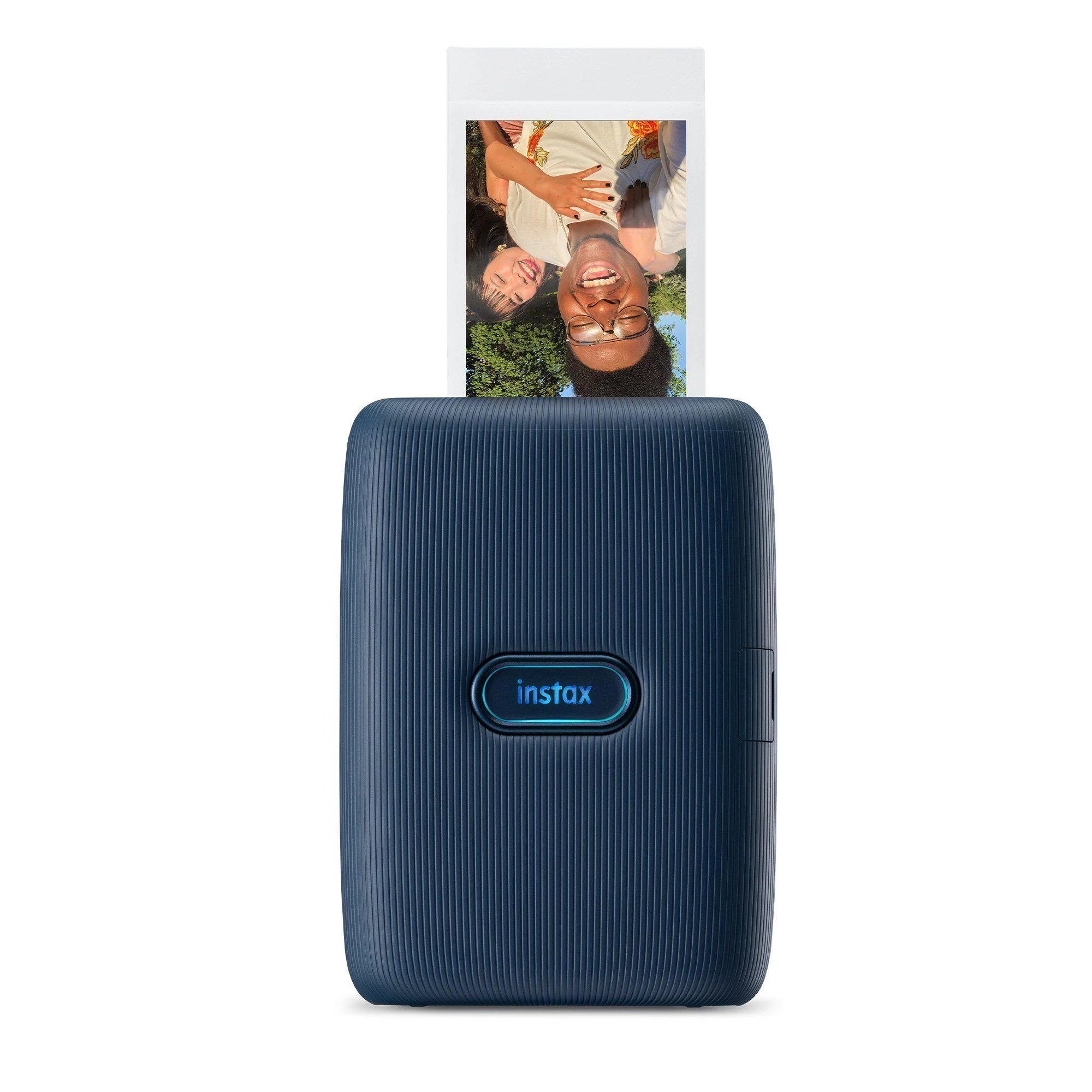
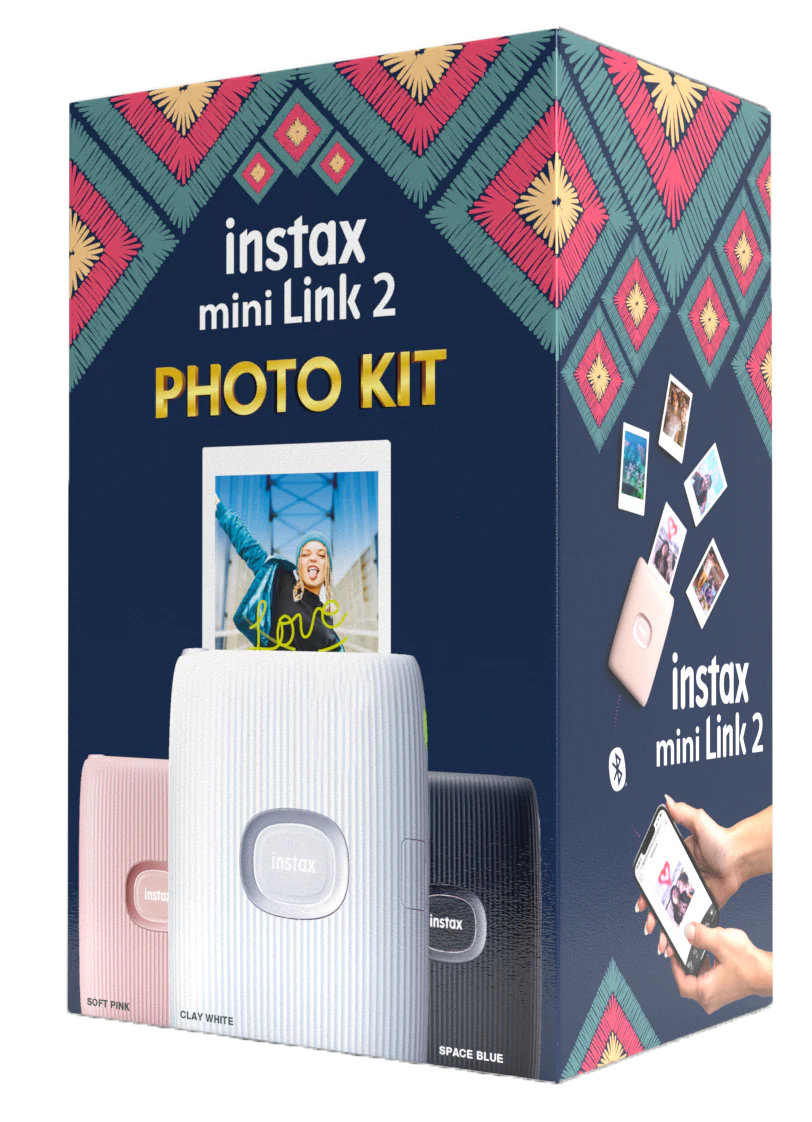
Fujifilm Instax Mini Link 2 Photo Kit (White)
Fujifilm Instax Mini Link 2 Photo Kit (White)
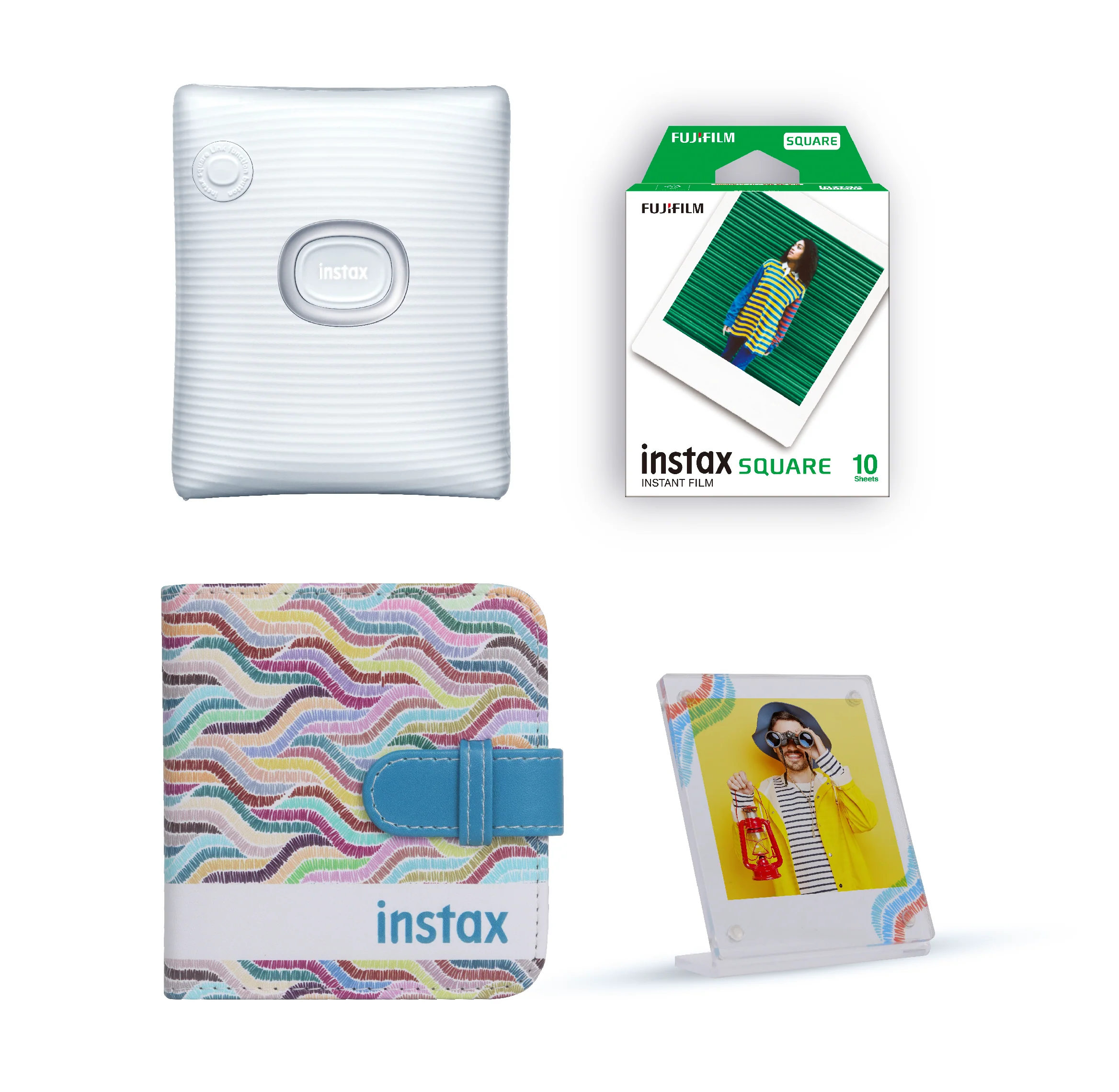
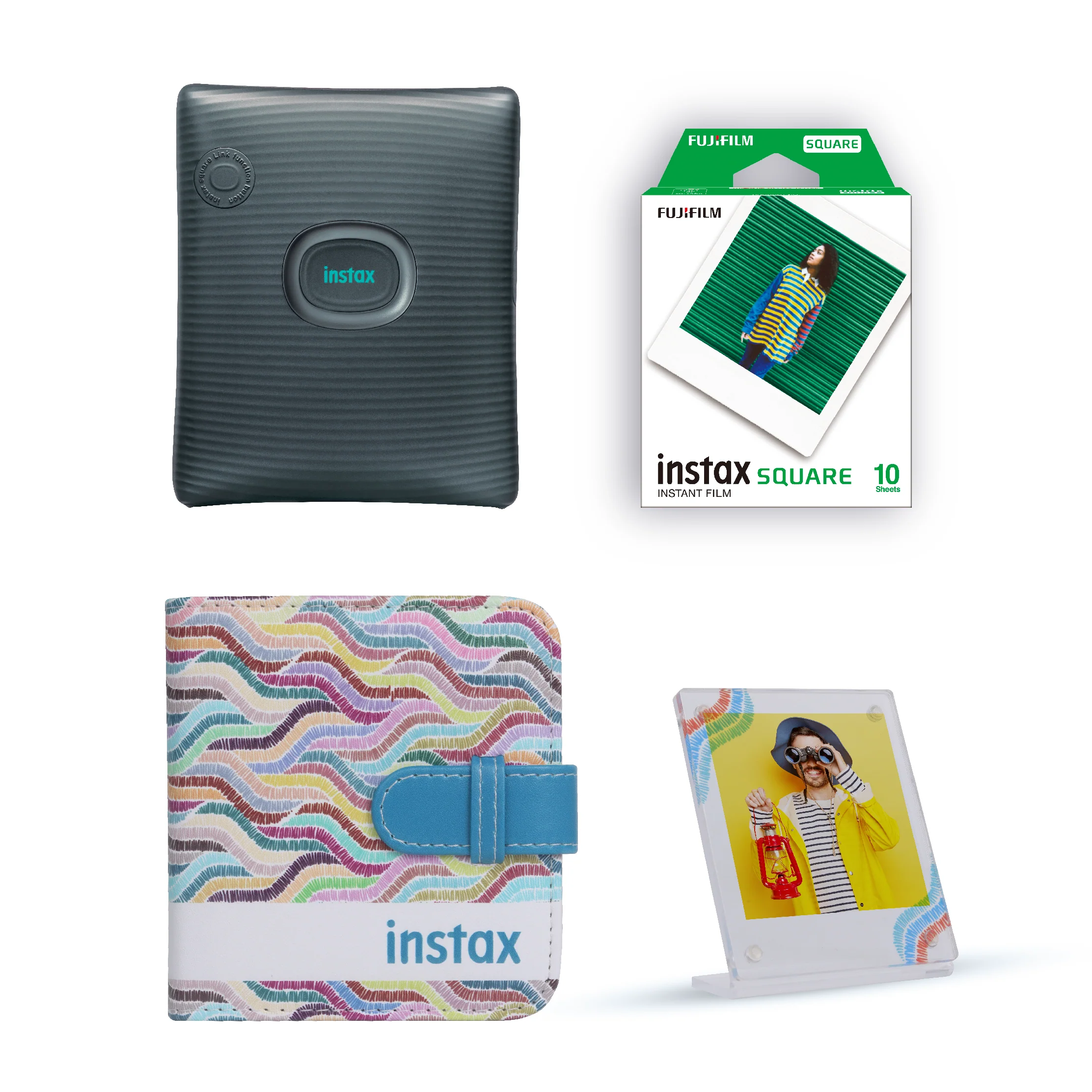
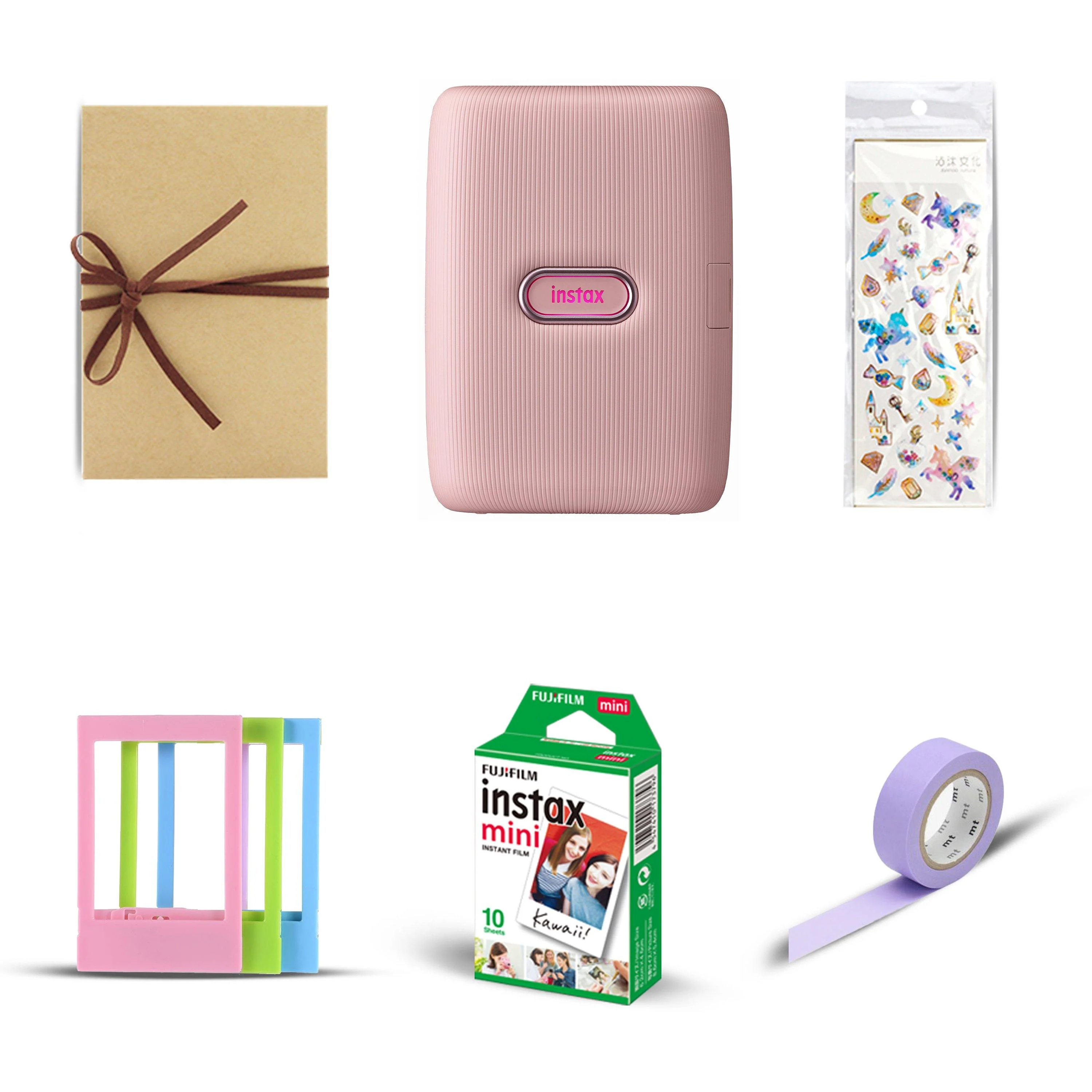
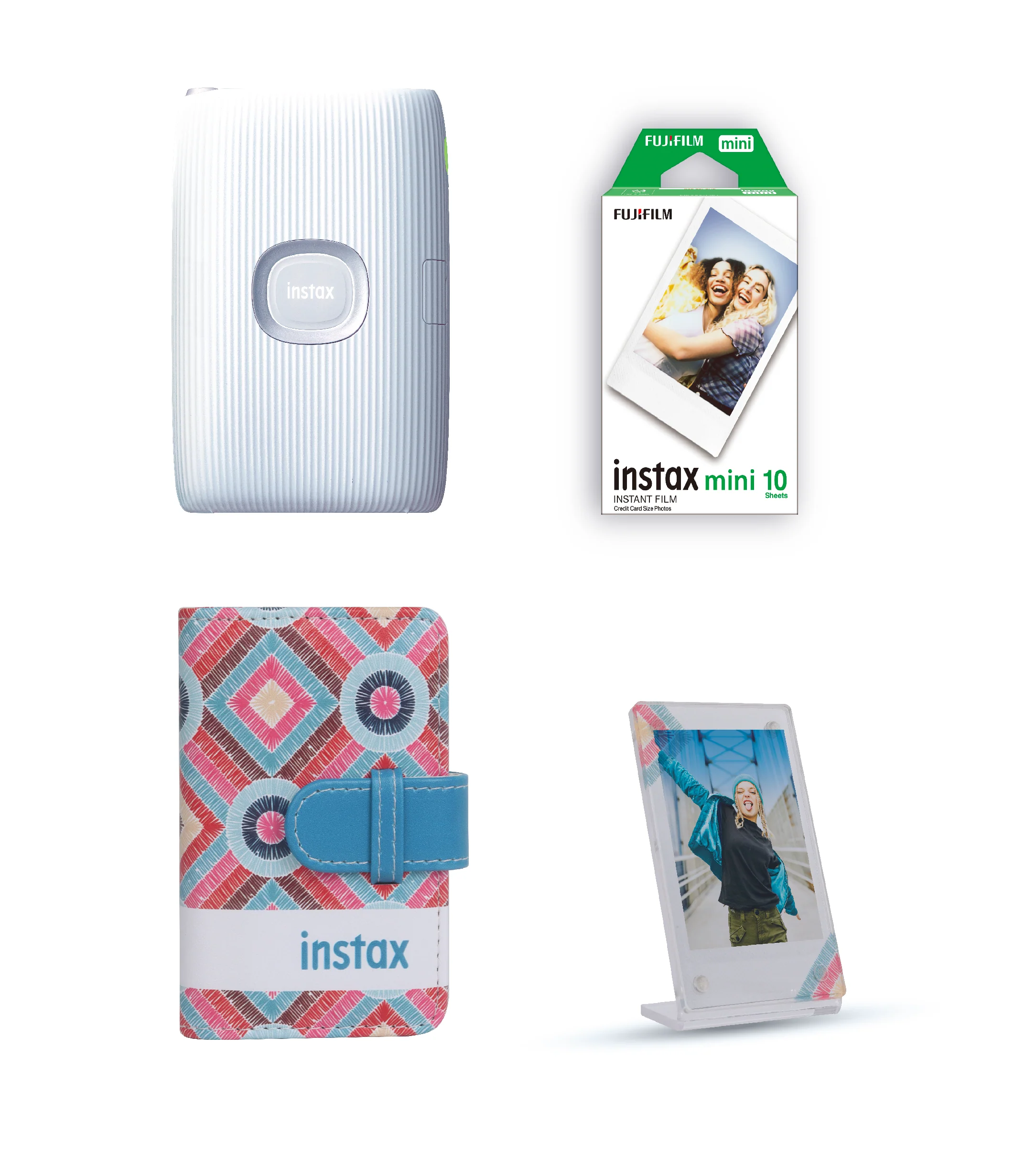
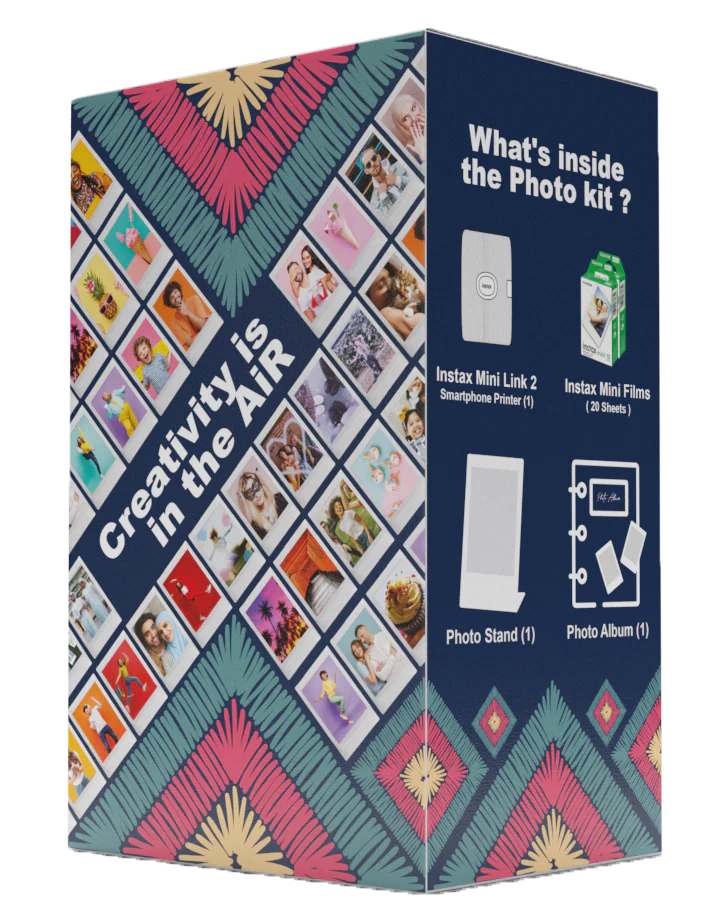
Box contents:
-
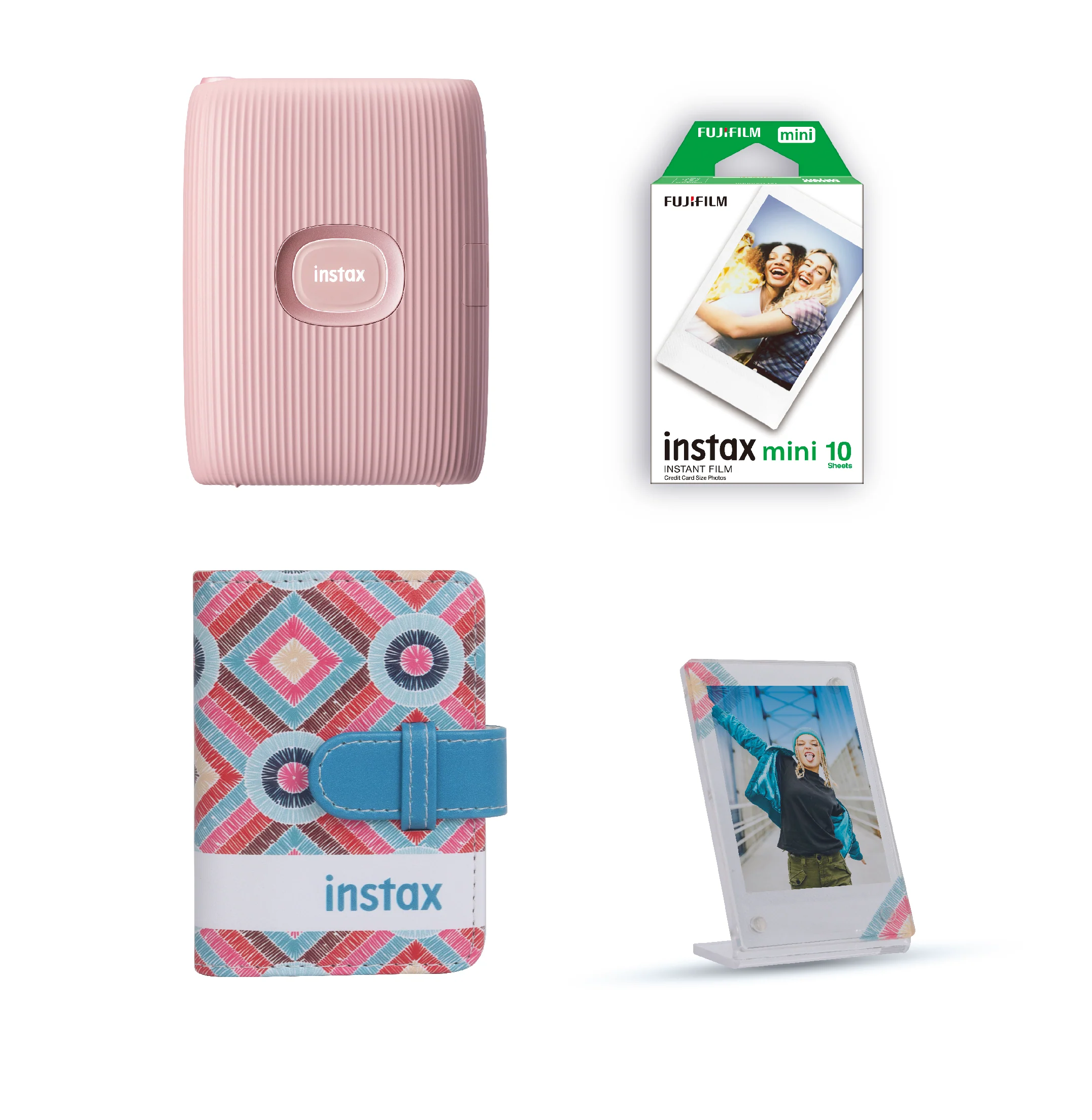
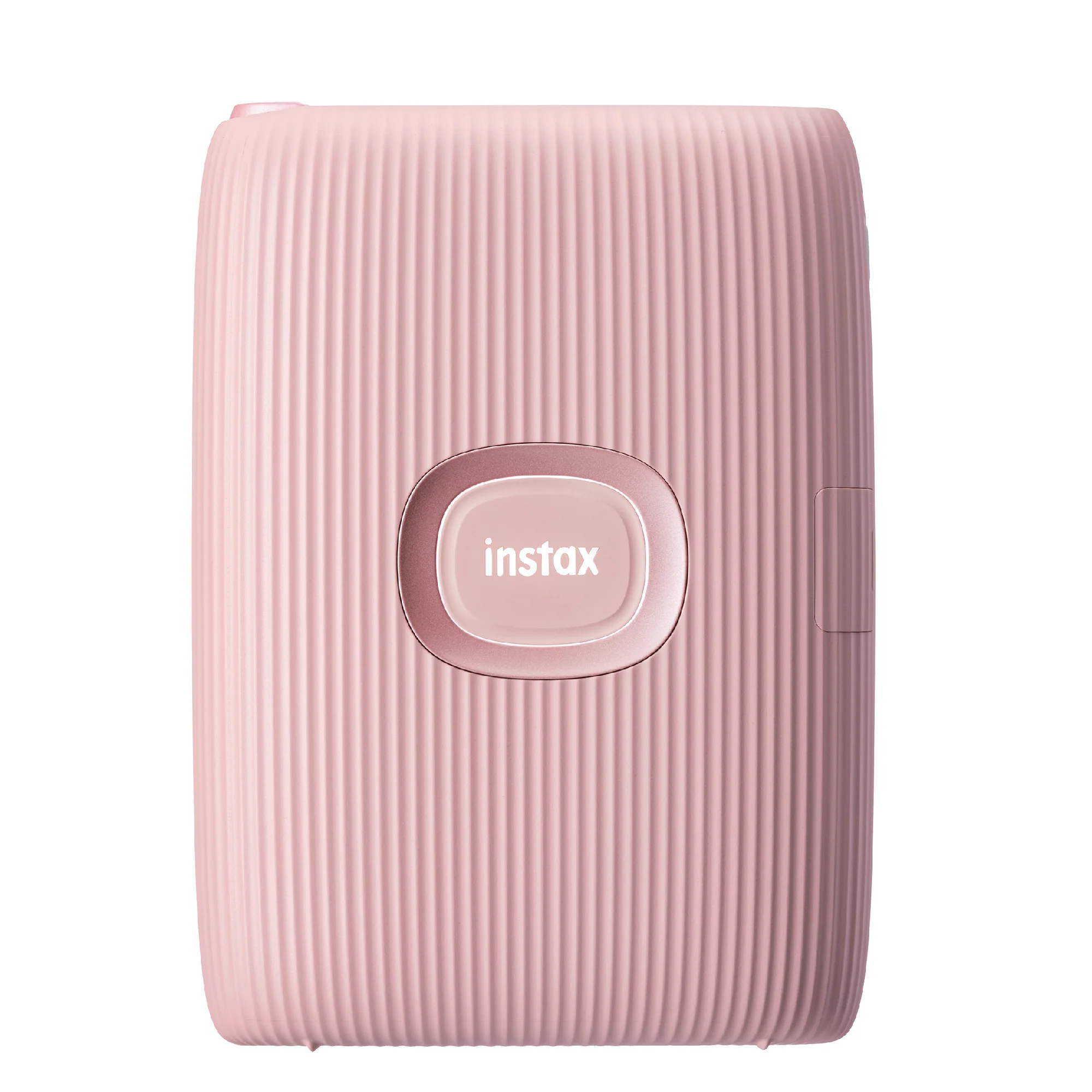
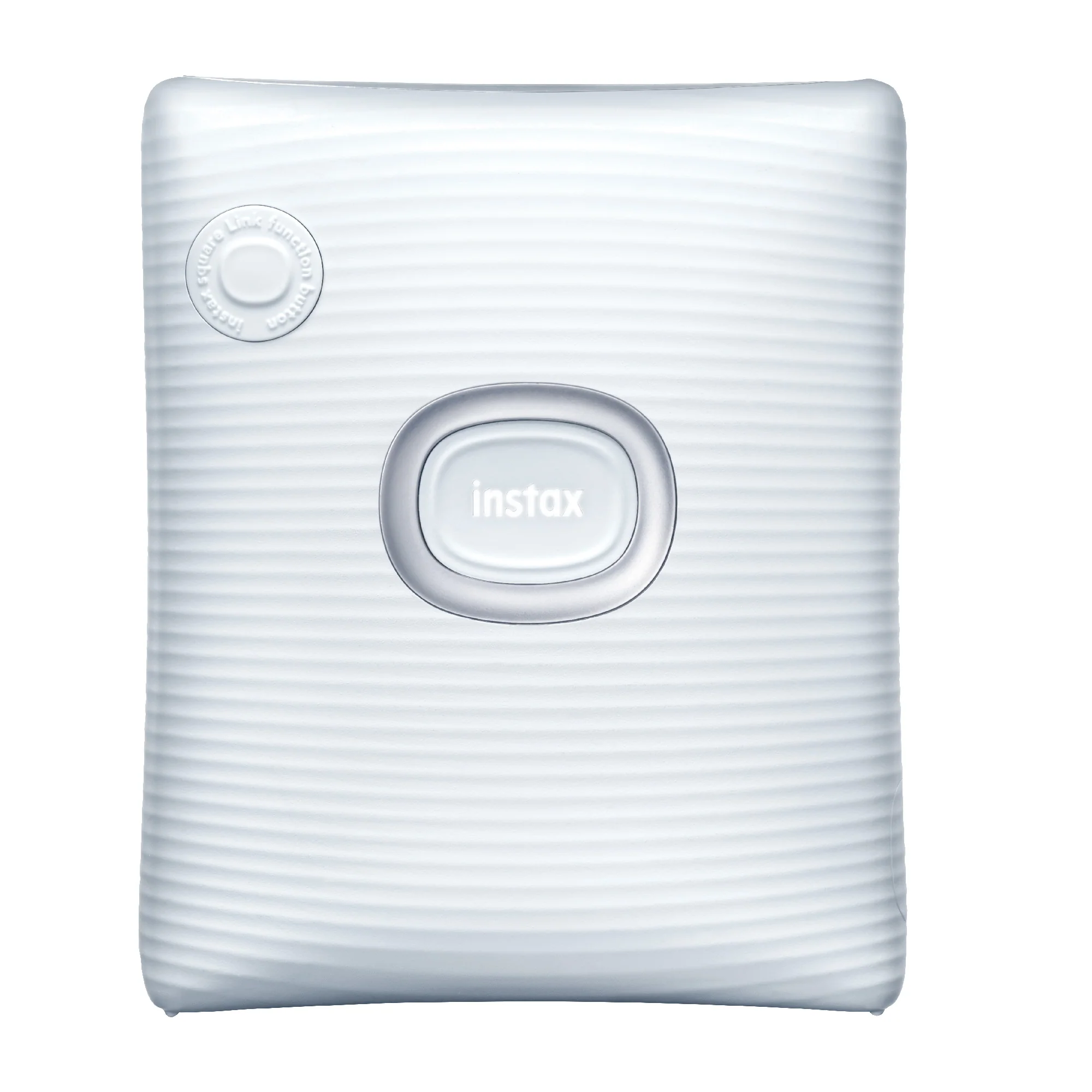
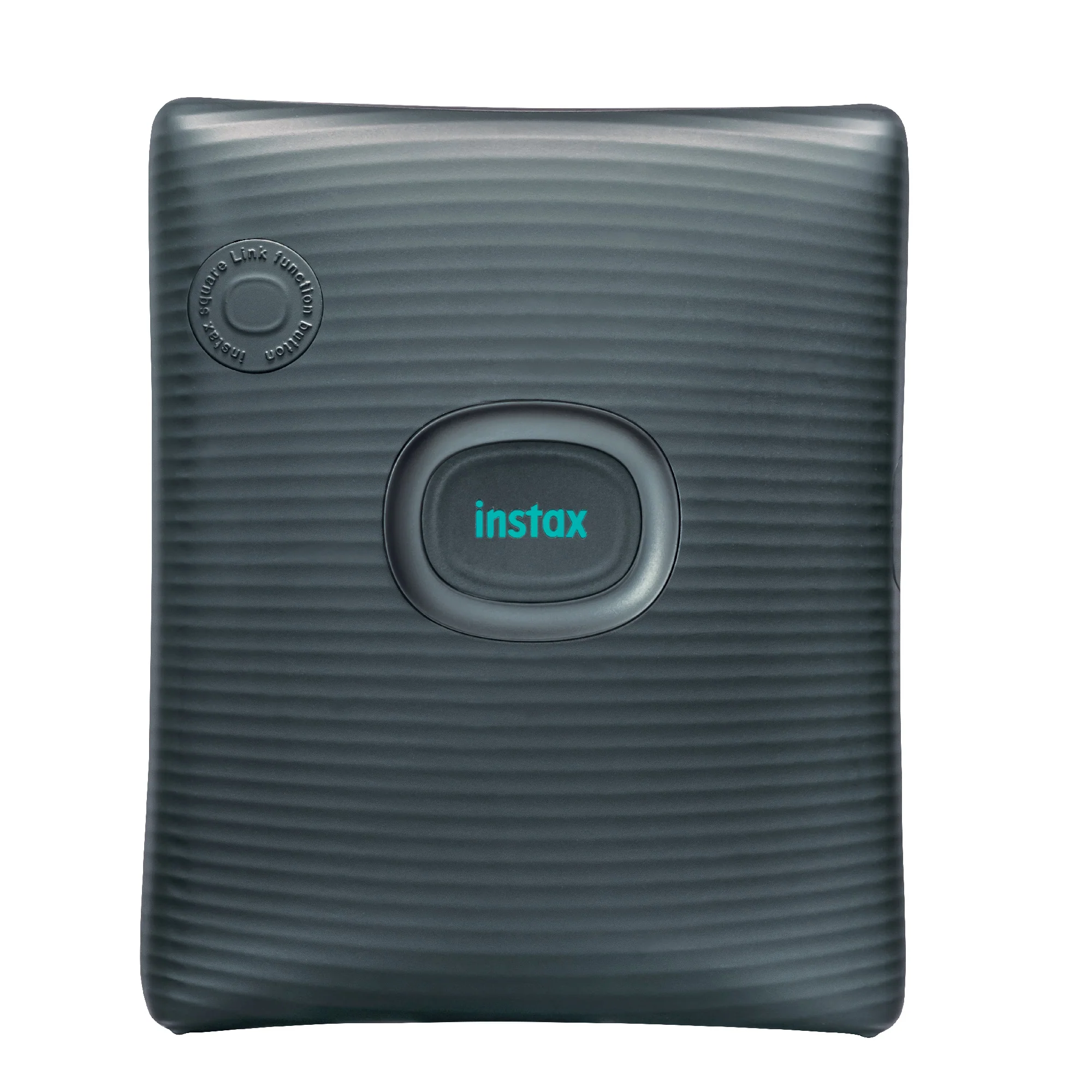
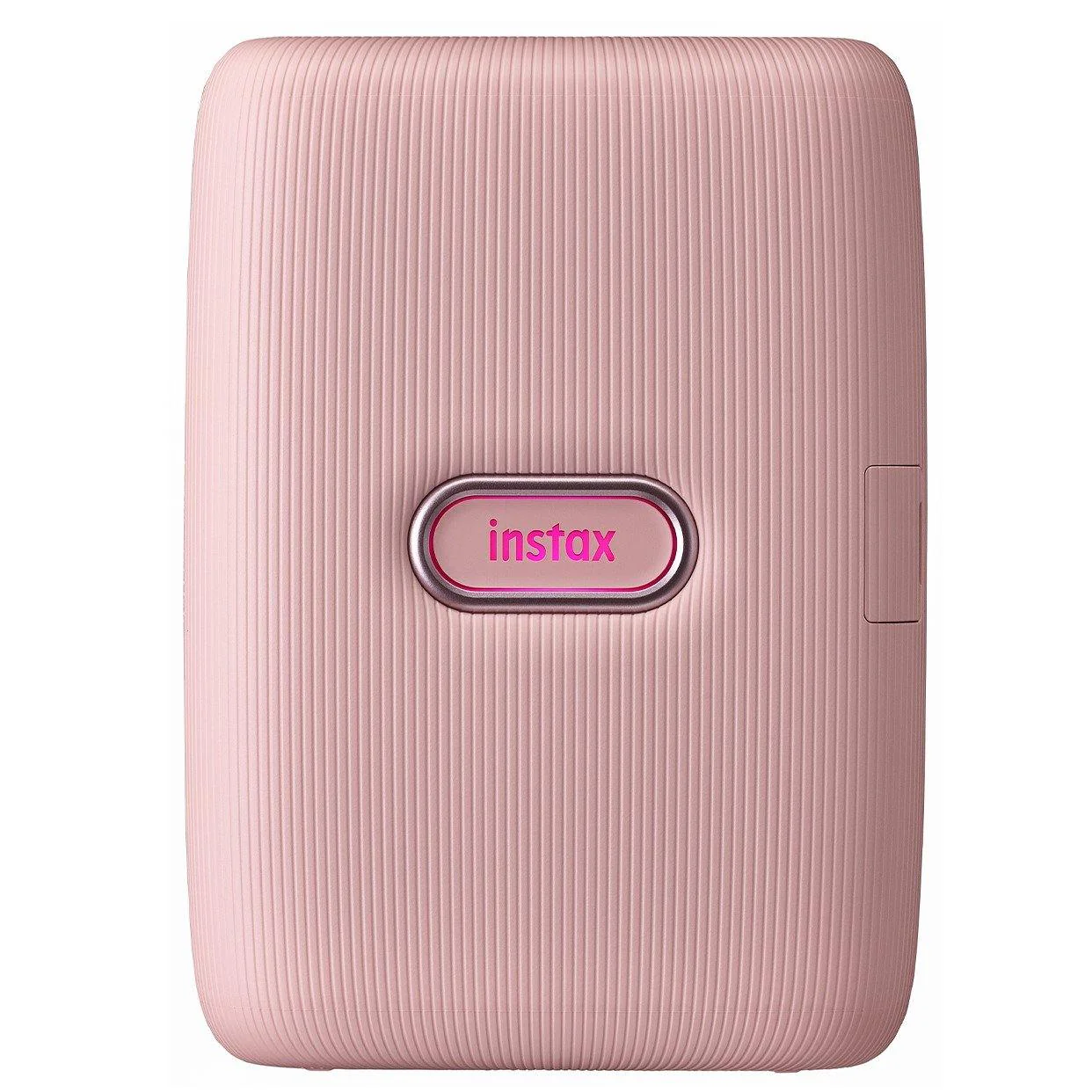
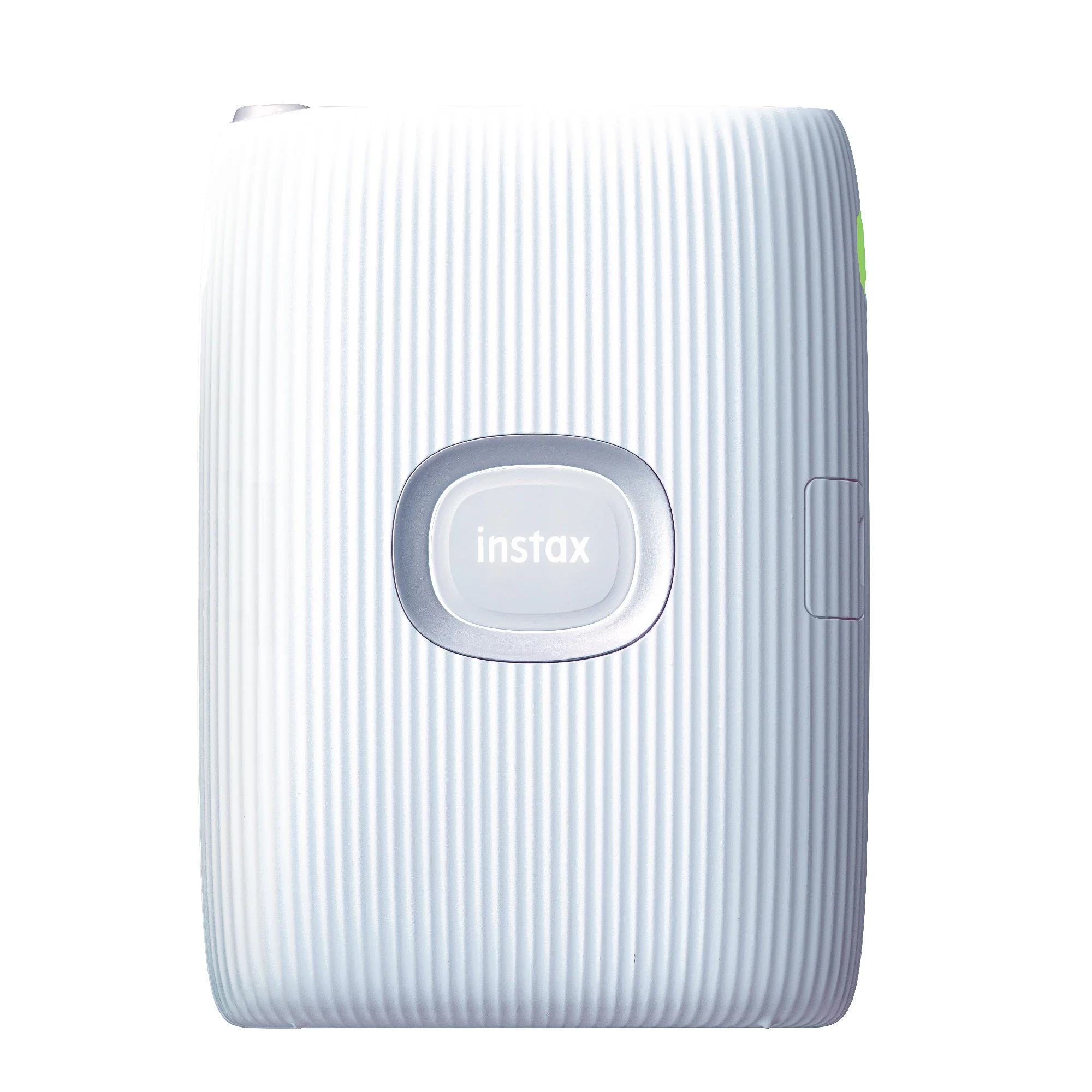
Mini Link 2 Smartphone Printer (x1)
-
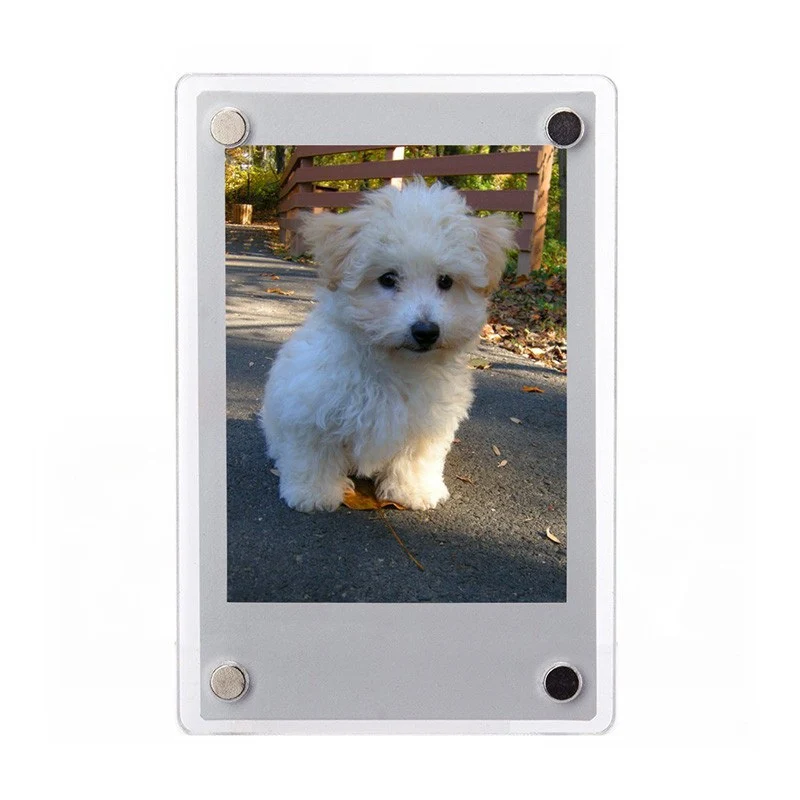
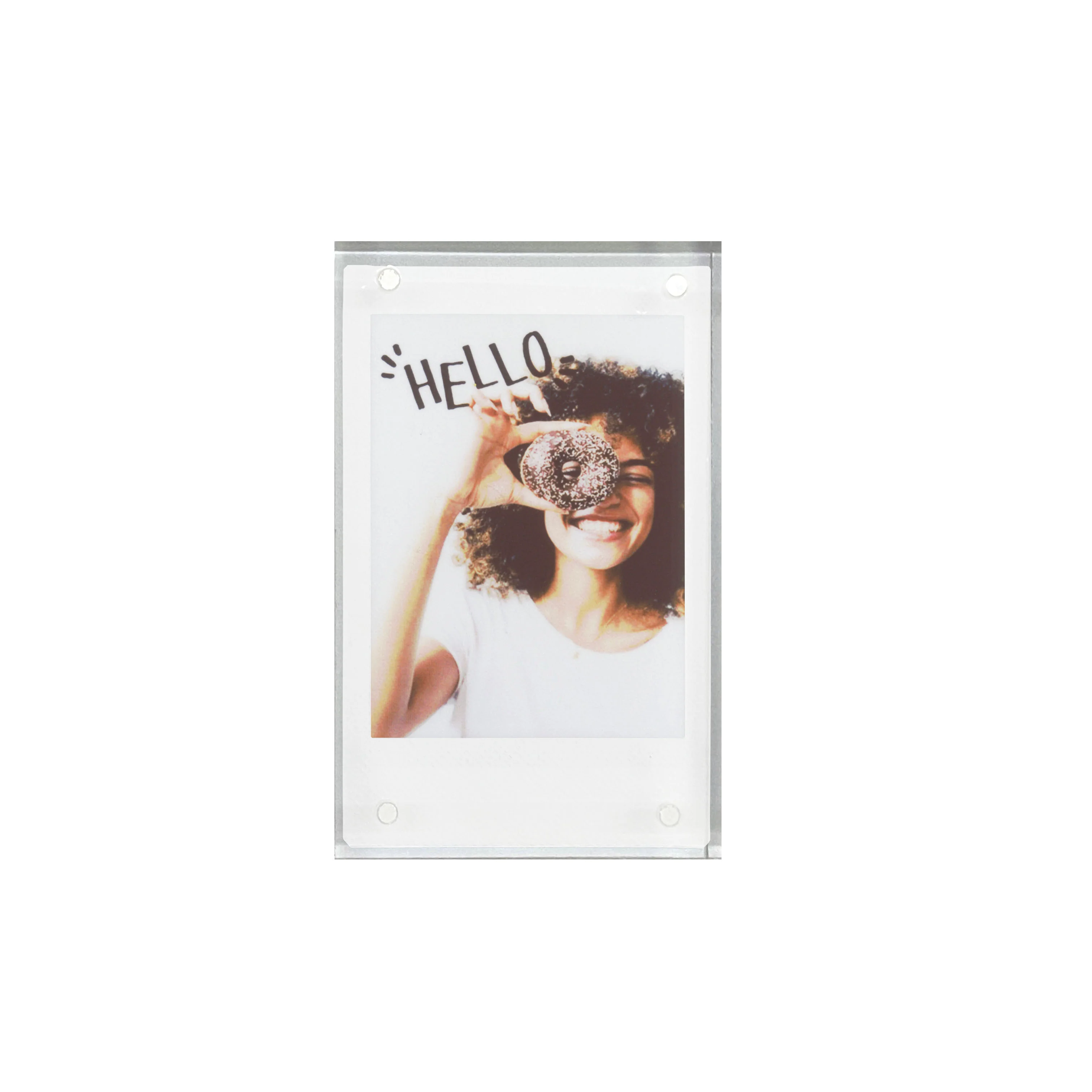
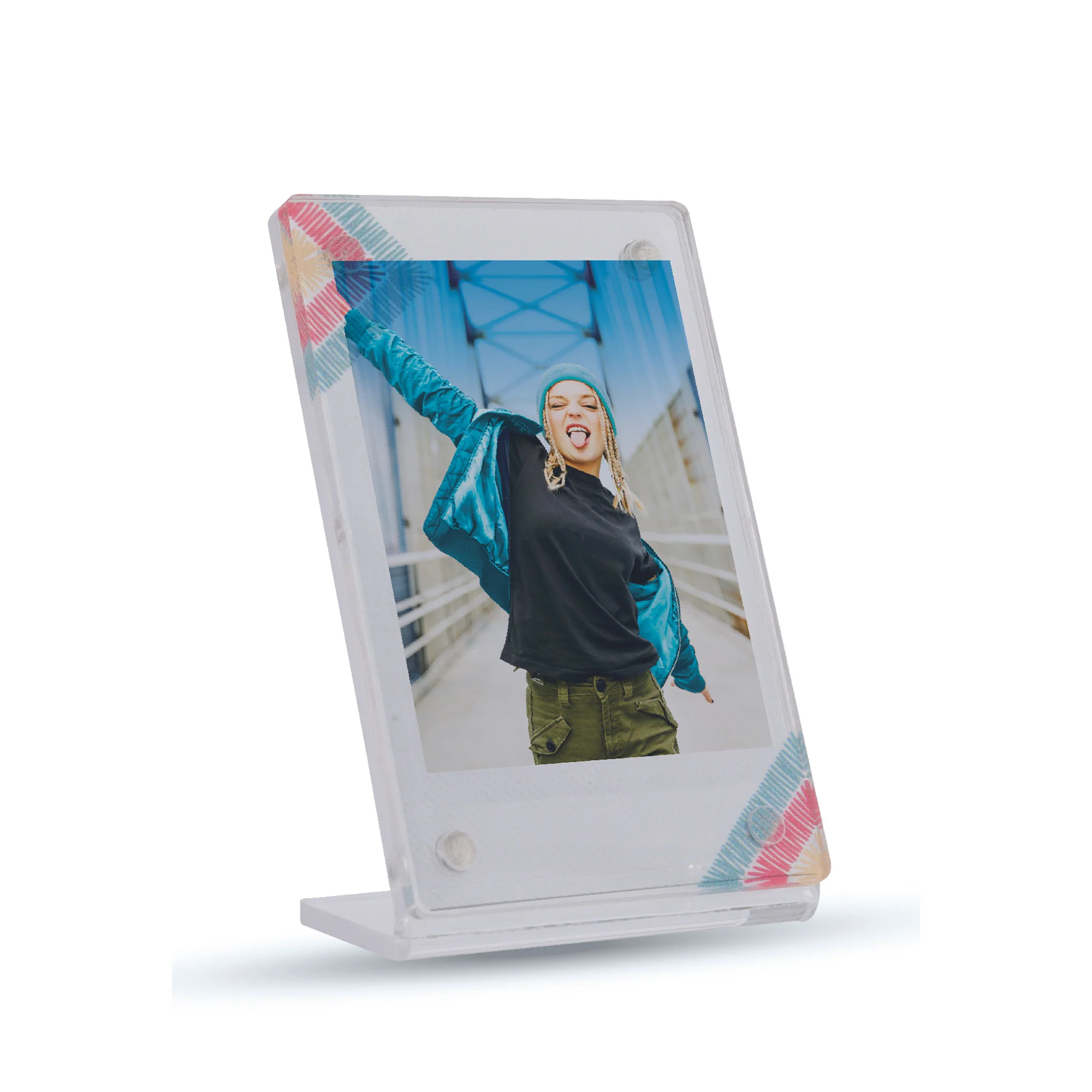
Frame (x1)
-
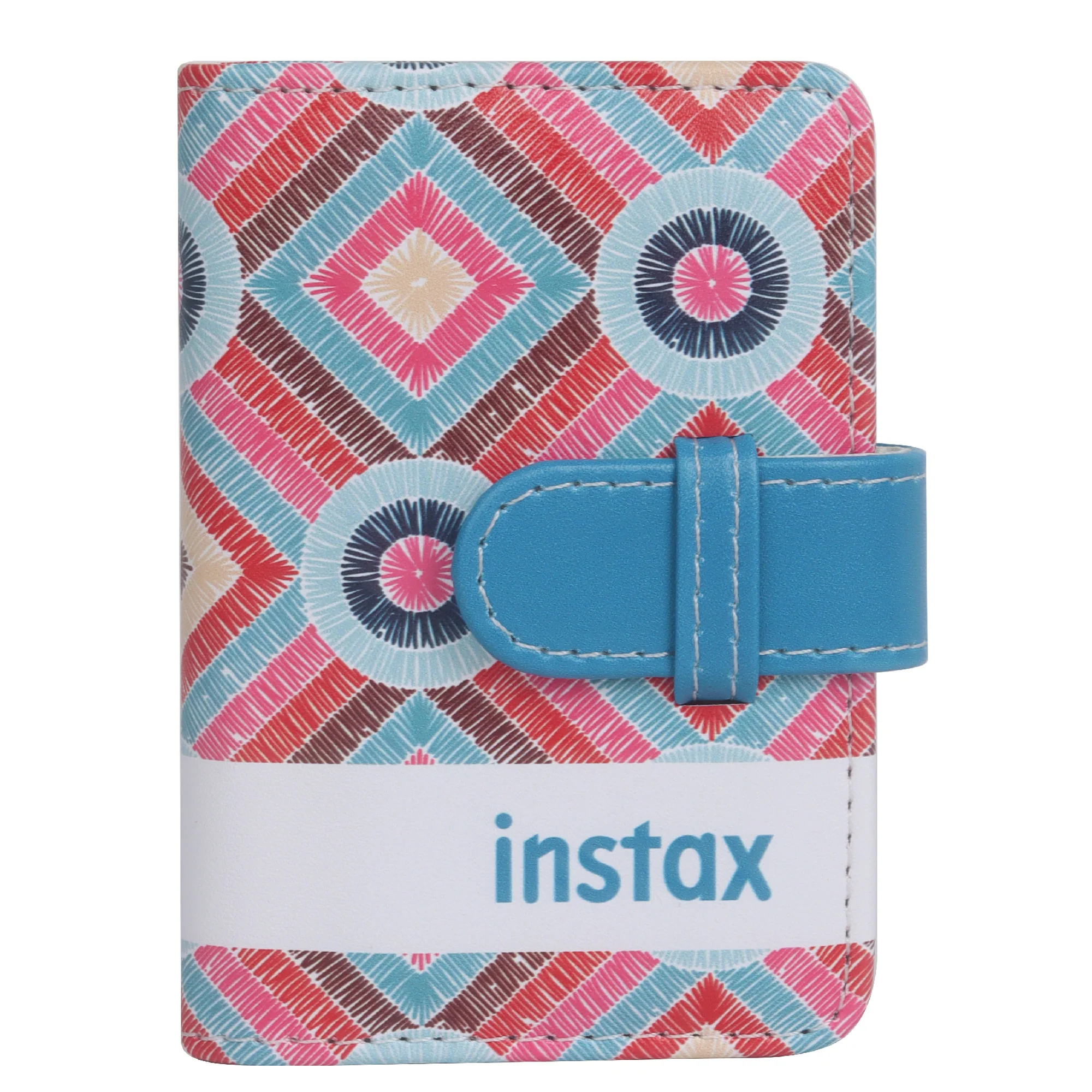
Photo Album (x1)
-
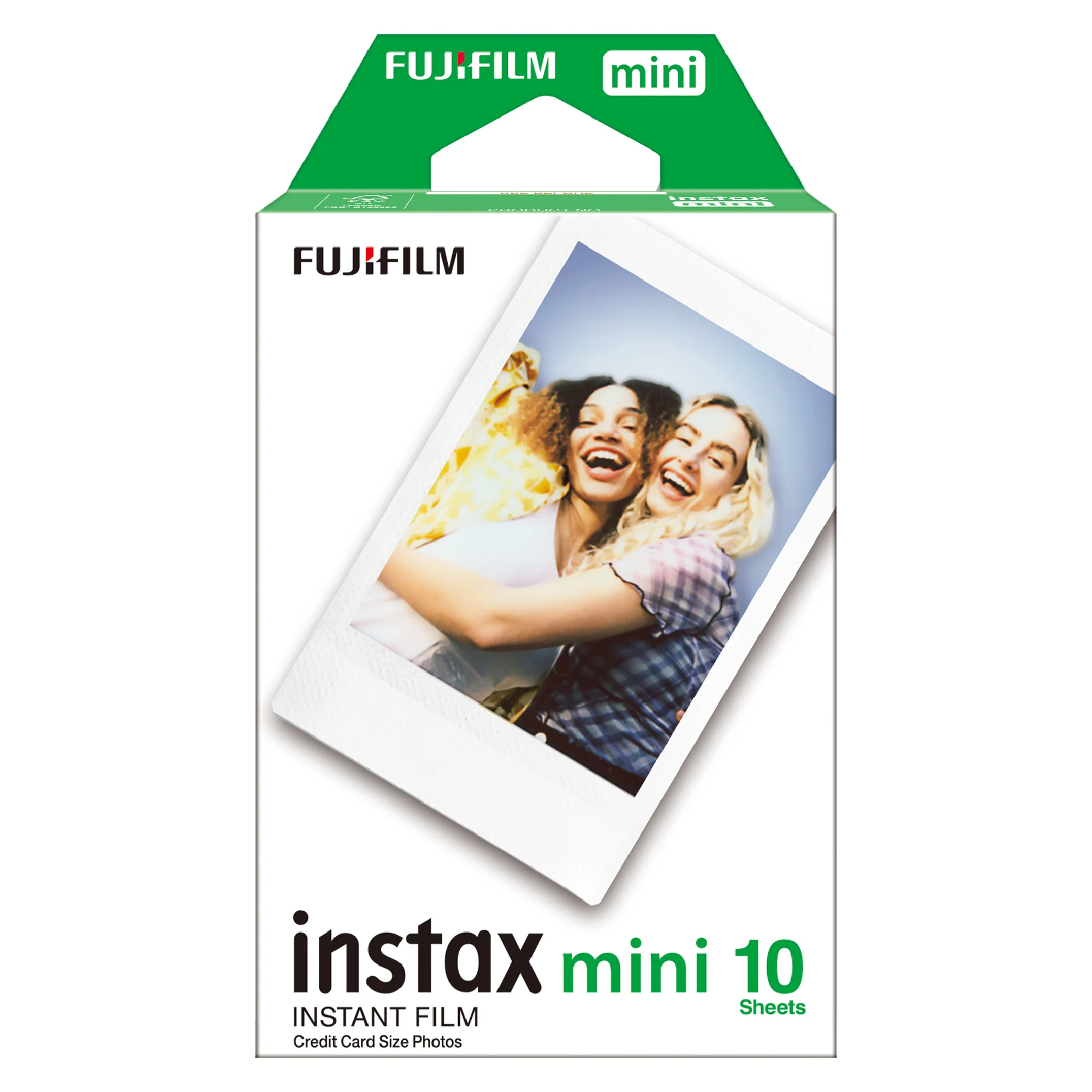
Mini film 20 Sheet
Key Features:
-
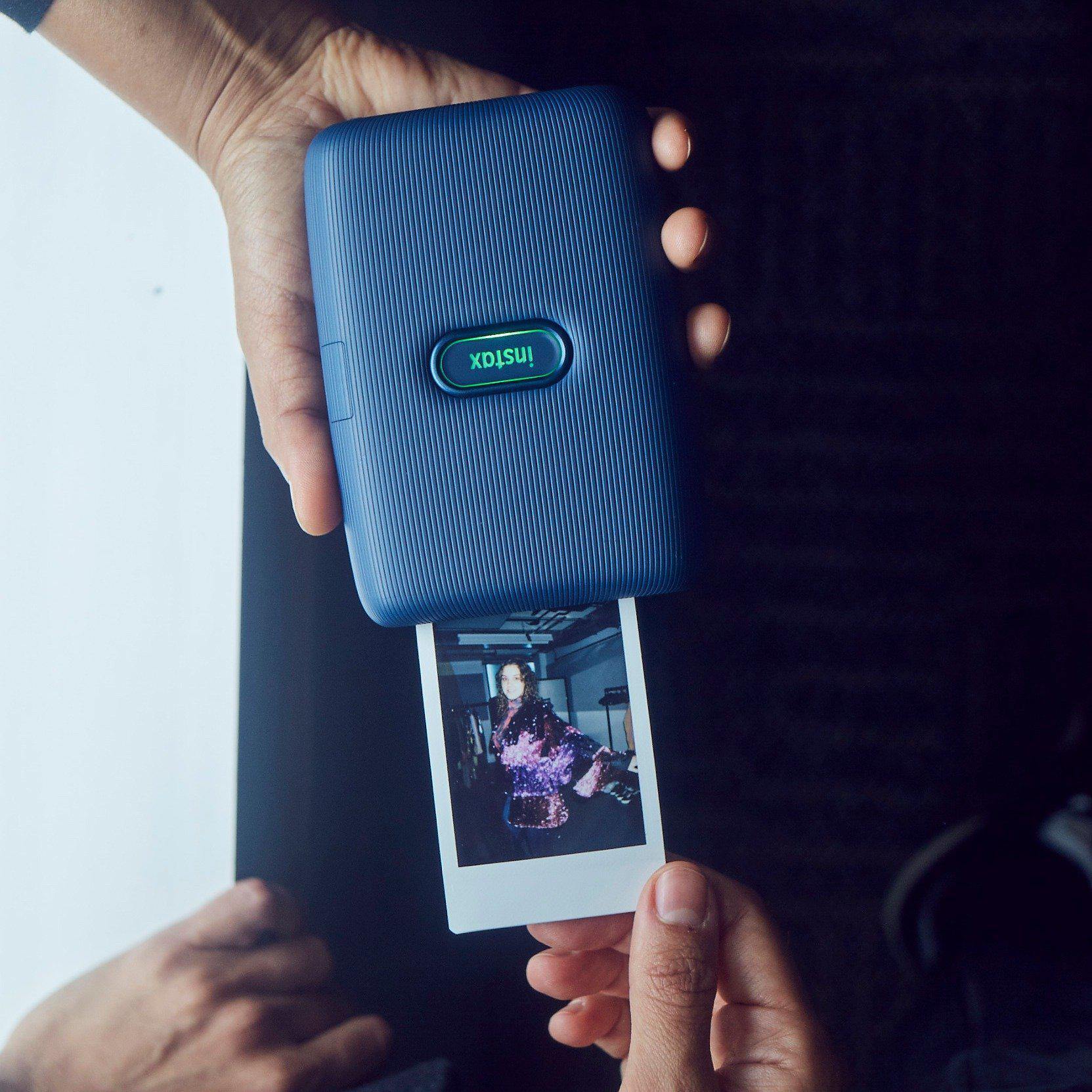
Print from the INSTAX Mini Link App.
-
Easy, speedy printing
-
Frame Print
-
Draw on prints with new instax air
-
Add Filters and Frames to Your Photos.
-
Print Photos from Videos.
-
Bluetooth Connectivity.
-
Print & Fun Modes.
-
Motion Sensor.
-
Print Mode
-
Other simple, fun features
Draw on prints with new instax air
Add an effect to create your own special print.
Simple Print
Easy & Continuous
High-Speed Printing
Tilt the printer to zoom in or out!
You can also snap a picture by pressing the power button.
Instax Air
1. Draw whatever you like in the AiR then print!
Press & hold the feature button on the printer. Once the printer vibrates you can start drawing. Move the printer around in the air and let your creativity flow!
2. You can also draw with your finger in the App.
3. Take a video of you drawing in the AiR then share it as a QR code on your print!
Test your compatibility with friends and watch the results appear on your print!
Choose fun frame designs to add to your photo.
Import and add your sketches or text to your photo, then print!
Give your prints a more stylish look and combine all your favorite photos together!
Choose the new "instax-Rich Mode" for richer colors or "instax-Natural Mode" to print the natural colors of the photo.
Print images shot with a digital camera on the spot!
The FUJIFILM X-S10 can send your photos directly to the instax mini Link 2 Smartphone Printer.
Original: $133.07
-70%$133.07
$39.92More Images
Fujifilm Instax Mini Link 2 Photo Kit (White)
Fujifilm Instax Mini Link 2 Photo Kit (White)
Box contents:
-
Mini Link 2 Smartphone Printer (x1)
-
Frame (x1)
-
Photo Album (x1)
-
Mini film 20 Sheet
Key Features:
-
Print from the INSTAX Mini Link App.
-
Easy, speedy printing
-
Frame Print
-
Draw on prints with new instax air
-
Add Filters and Frames to Your Photos.
-
Print Photos from Videos.
-
Bluetooth Connectivity.
-
Print & Fun Modes.
-
Motion Sensor.
-
Print Mode
-
Other simple, fun features
Draw on prints with new instax air
Add an effect to create your own special print.
Simple Print
Easy & Continuous
High-Speed Printing
Tilt the printer to zoom in or out!
You can also snap a picture by pressing the power button.
Instax Air
1. Draw whatever you like in the AiR then print!
Press & hold the feature button on the printer. Once the printer vibrates you can start drawing. Move the printer around in the air and let your creativity flow!
2. You can also draw with your finger in the App.
3. Take a video of you drawing in the AiR then share it as a QR code on your print!
Test your compatibility with friends and watch the results appear on your print!
Choose fun frame designs to add to your photo.
Import and add your sketches or text to your photo, then print!
Give your prints a more stylish look and combine all your favorite photos together!
Choose the new "instax-Rich Mode" for richer colors or "instax-Natural Mode" to print the natural colors of the photo.
Print images shot with a digital camera on the spot!
The FUJIFILM X-S10 can send your photos directly to the instax mini Link 2 Smartphone Printer.
Product Information
Product Information
Shipping & Returns
Shipping & Returns
Description
Fujifilm Instax Mini Link 2 Photo Kit (White)
Box contents:
-
Mini Link 2 Smartphone Printer (x1)
-
Frame (x1)
-
Photo Album (x1)
-
Mini film 20 Sheet
Key Features:
-
Print from the INSTAX Mini Link App.
-
Easy, speedy printing
-
Frame Print
-
Draw on prints with new instax air
-
Add Filters and Frames to Your Photos.
-
Print Photos from Videos.
-
Bluetooth Connectivity.
-
Print & Fun Modes.
-
Motion Sensor.
-
Print Mode
-
Other simple, fun features
Draw on prints with new instax air
Add an effect to create your own special print.
Simple Print
Easy & Continuous
High-Speed Printing
Tilt the printer to zoom in or out!
You can also snap a picture by pressing the power button.
Instax Air
1. Draw whatever you like in the AiR then print!
Press & hold the feature button on the printer. Once the printer vibrates you can start drawing. Move the printer around in the air and let your creativity flow!
2. You can also draw with your finger in the App.
3. Take a video of you drawing in the AiR then share it as a QR code on your print!
Test your compatibility with friends and watch the results appear on your print!
Choose fun frame designs to add to your photo.
Import and add your sketches or text to your photo, then print!
Give your prints a more stylish look and combine all your favorite photos together!
Choose the new "instax-Rich Mode" for richer colors or "instax-Natural Mode" to print the natural colors of the photo.
Print images shot with a digital camera on the spot!
The FUJIFILM X-S10 can send your photos directly to the instax mini Link 2 Smartphone Printer.